 Game Guide
 Install App
 Settings
MINECRAFT: JAVA EDITION


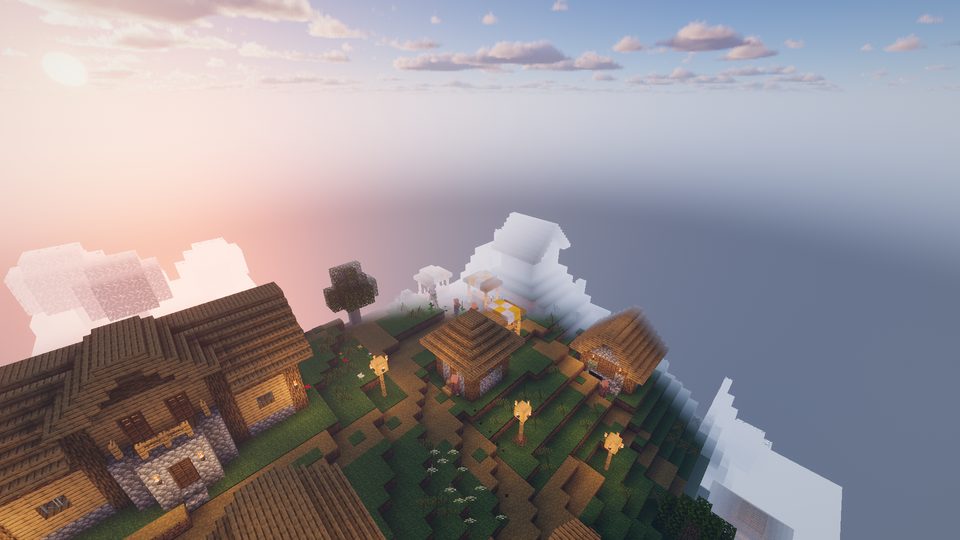
Minecraft Java is on your phone
Singleplayer, Multiplayer and Mods — the full Java title screen in Safari or Chrome. No download.
Read more ↗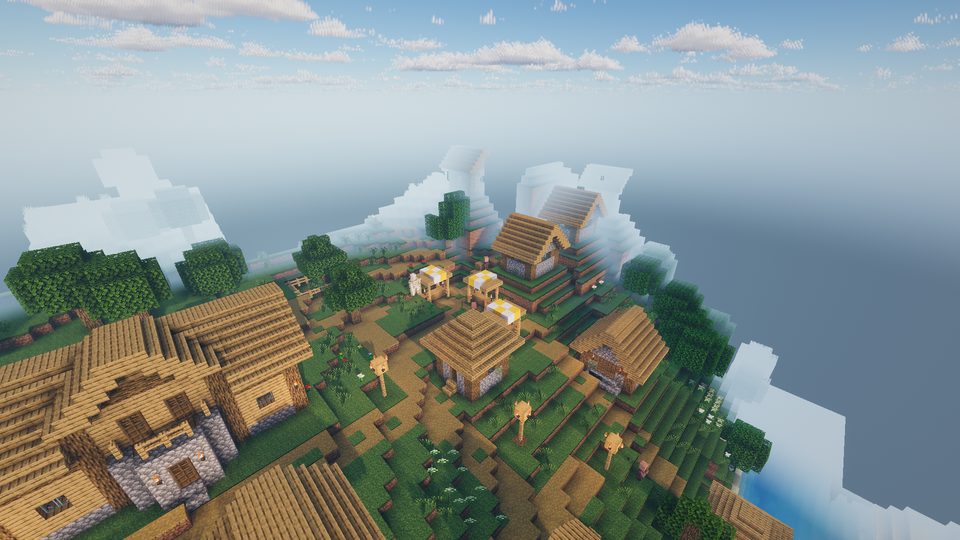
Villages, the Nether and the End
Explore villages, build a Nether portal, find the stronghold and beat the Ender Dragon.
Read more ↗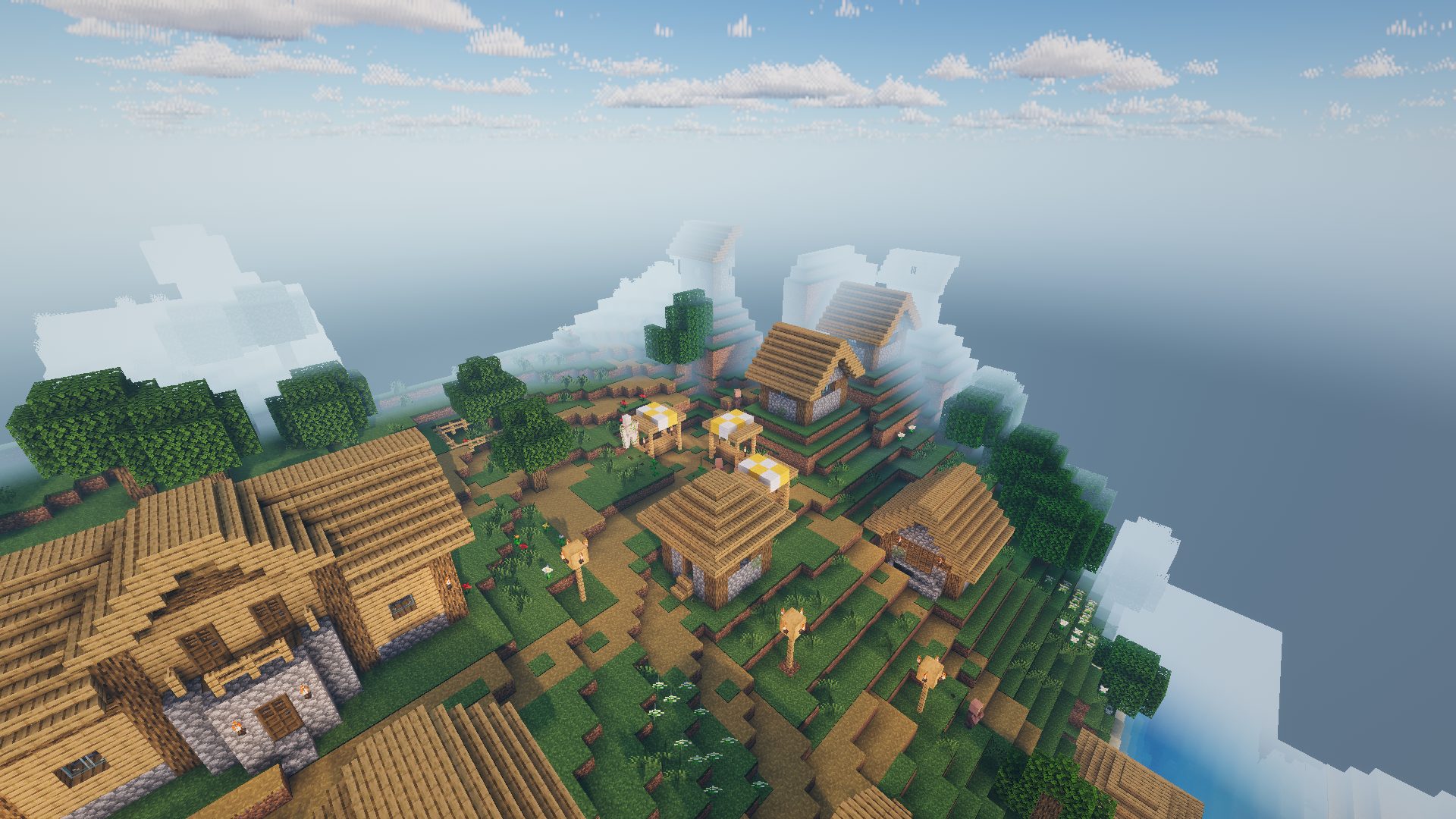
Shaders: Photon
Real-time light, shadows and water with Photon, boat wakes and torches that light up the night.
Read more ↗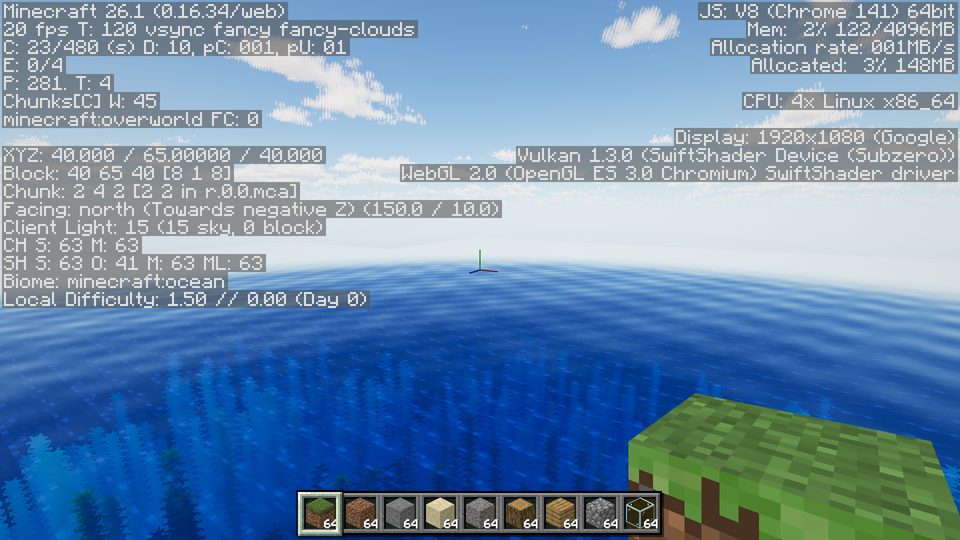
The F3 screen and every keybind
F3 debug, F1, F5, key binds and touch controls for iPhone and Android.
Read more ↗What you can do
- Explore generated worlds with plains, forests, deserts, savannas, snowy plains, hills, swamps and oceans.
- Find villages, mineshafts, ruins and other structures.
- Mine, craft, smelt and build in Survival, or build freely in Creative.
- Meet animals and monsters that spawn by biome, time of day and light level.
- Sleep in beds, sail boats, use buckets, bows and ender pearls, and type commands.
- Turn on optional mods and resource packs from the in-game Mods and Resource Packs screens.
Install on your phone
Add Minecraft Web to your Home Screen and it opens full-screen like an app — no browser bars, more room to play.
iPhone/iPad (Safari): tap Share, then Add to Home Screen, then open it from your Home Screen. Android (Chrome): ⋮ menu → Install app.
Play anywhere
Minecraft Web works on desktop and laptop browsers with keyboard and mouse, and on phones and tablets with touch controls. Nothing to download or install: your worlds are saved in your browser on your device. On iPhone you can also use Share → Add to Home Screen to play it like an app.
Controls
- Desktop: WASD to move, mouse to look, left click to mine or attack, right click to use or place, E for inventory, T or / for chat and commands.
- Touch: left stick to move, drag to look, tap to use or place, hold to mine or attack, hotbar at the bottom.
About Minecraft Web
Minecraft Web is an independent browser-based voxel building project. The goal is to make a familiar block-building experience available without a launcher or installation. The project combines procedural terrain, survival and creative gameplay, inventory and crafting systems, mobs, structures, weather, sounds, touch controls and browser-based world saves.
The game is continuously developed as a technical and creative experiment. Features can change as the project is updated, and performance depends on the browser and device.
Game modes and systems
- Survival: gather resources, craft tools, manage health and hunger, explore structures and fight hostile mobs.
- Creative: build freely with access to blocks and building tools without the normal survival resource loop.
- World generation: terrain is generated from multiple biome types with structures and different dimensions.
- Crafting and inventory: collect items, craft equipment, smelt materials and manage the Java inventory and hotbar.
- Exploration: oceans, forests, deserts, snowy areas, swamps, villages and underground areas provide different environments to explore.
Saving and privacy
Worlds and game settings are stored locally in the browser on the device where you play. Clearing the site's browser data can remove those local saves. The project does not require an account just to start a world.
See the privacy policy for information about hosting, advertising technologies and optional purchases.
Browser and mobile support
The project is designed for modern desktop and mobile browsers. Desktop play uses keyboard and mouse controls, while phones and tablets provide an on-screen movement pad and touch actions. On smaller screens the interface changes layout so the game can remain usable in portrait or landscape orientation.
Because the game renders a 3D world in the browser, graphics performance and battery use vary substantially between devices. Closing other demanding tabs can improve performance on lower-powered phones and laptops.
Development notes
Minecraft Web is built as a custom JavaScript and WebGL/Three.js browser runtime. The project is developed in public source control and released through GitHub Pages. The source repository contains the runtime, assets, gameplay systems, responsive UI and diagnostic tools used during development.
For a longer explanation of the controls and systems, read the Minecraft Web guide.
Frequently asked questions
Do I need to download anything?
No launcher or native installation is required. Open the game in a supported browser and let its assets load.
Where are my worlds saved?
World data is saved in your browser's local storage on the device you use to play.
Is this an official Minecraft website?
No. Minecraft Web is an independent fan project and is not affiliated with, endorsed by or associated with Mojang Studios or Microsoft.